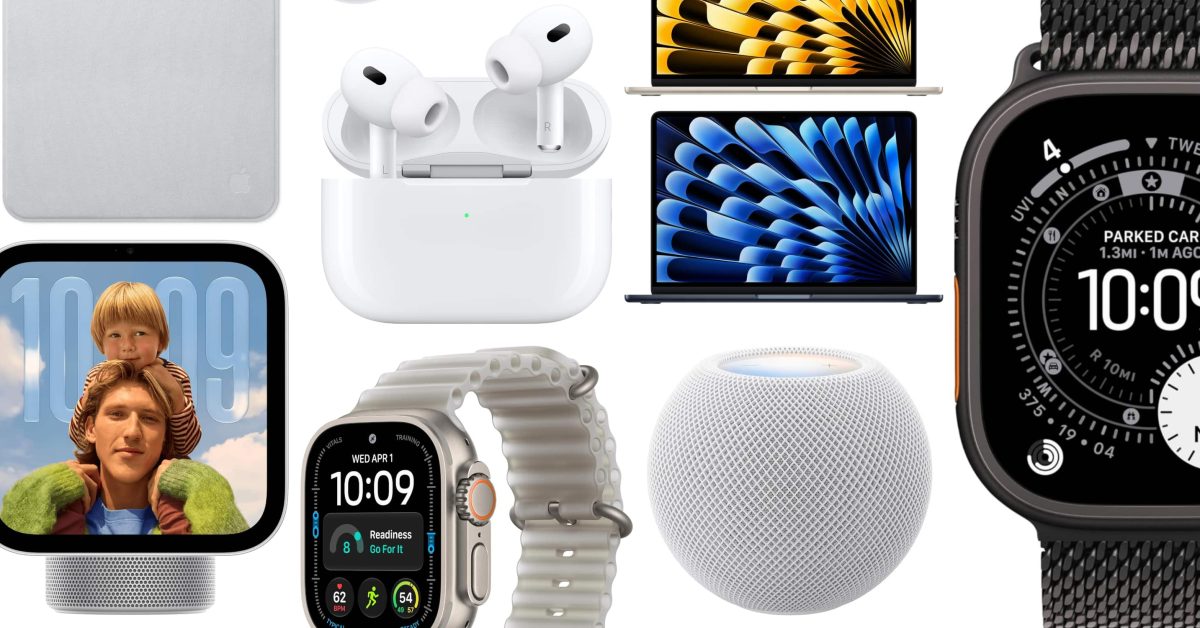
Apple has clarified how facial recognition works on its newly announced HomeView smart display, and the answer reveals a significant limitation. According to details shared by John Gruber of Daring Fireball and reported by 9to5Mac, HomeView can only recognize users if they have a 'registered personal device' with Apple Intelligence and Siri AI support. That device must be present on the home's Wi-Fi network and have been recently unlocked.
This means the $299 HomeView, available for pre-order today and launching November 13, effectively turns your iPhone or iPad into a security key for personalized experiences. Without a compatible device nearby, HomeView won't know who you are, limiting access to personal content in Messages, FaceTime, Calendar, Reminders, and Find My. The Apple Watch, notably, does not qualify as a registered personal device.
Why HomeView Doesn't Use Face ID
Unlike the iPhone, HomeView does not have Face ID hardware. Instead, it relies on a Center Stage camera for facial recognition. When asked why the camera alone can't authenticate users, Apple representatives explained that a home is presumed to be a safe space. But to actually be recognized, the system requires a second factor: a paired Apple Intelligence-enabled iPhone or iPad running the latest software with Siri AI turned on.
This approach differs from Face ID, which works as a single-factor authentication method. As Gruber notes, that's why devices like the iPhone Duo cannot unlock using the camera alone. HomeView sidesteps this by using your iPhone or iPad as a trusted companion device that confirms your identity.
HomeView Facial Recognition Requirements
If you're planning to buy a HomeView, here's what you'll need for facial recognition to work:
- A registered personal device that supports Apple Intelligence and Siri AI.